Features
What RoomGPT can do.
Seven ways to change a space, from everything at once to one piece of furniture. All of them start with a photo you already have.
-
Redesign a room
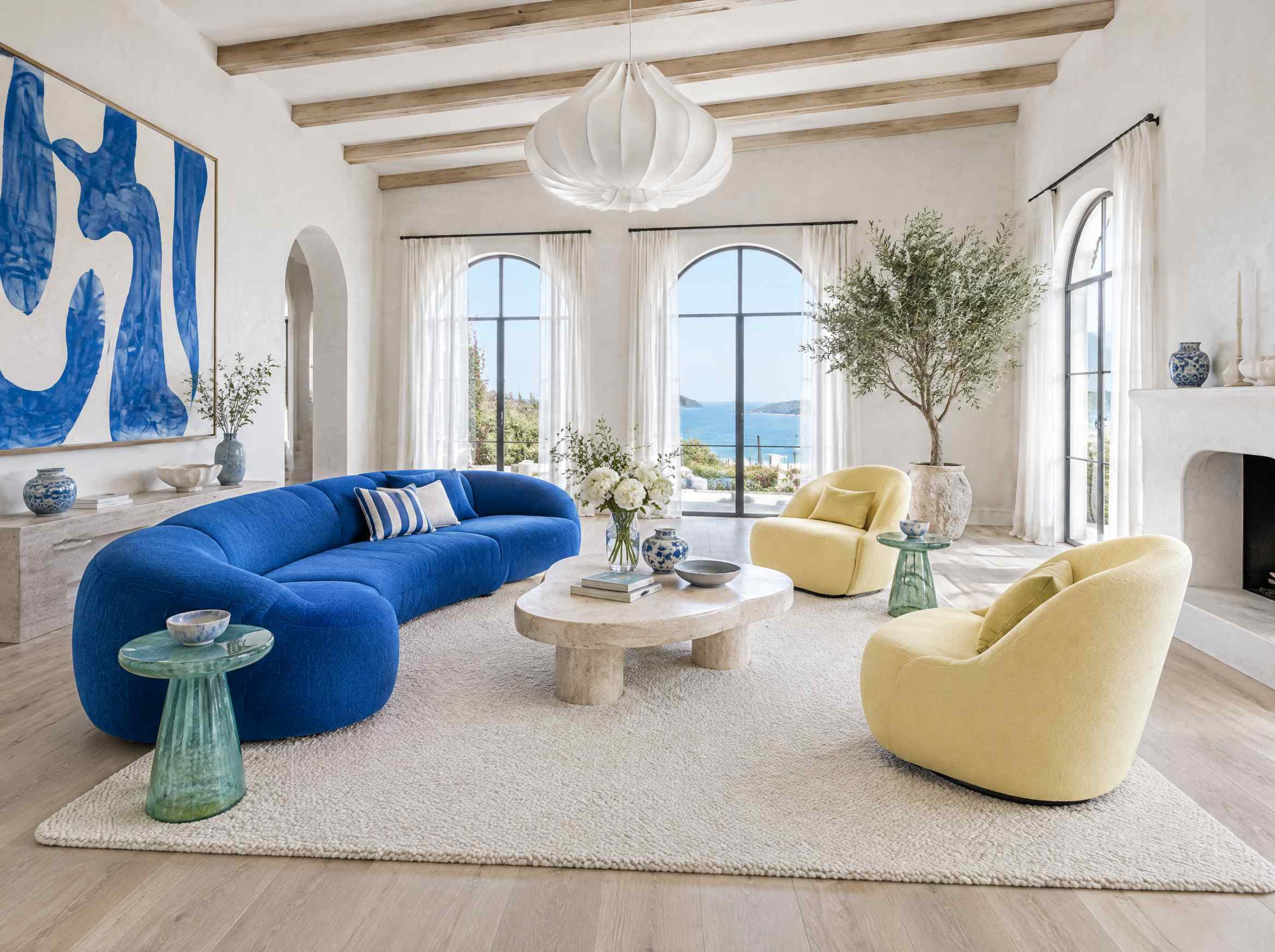
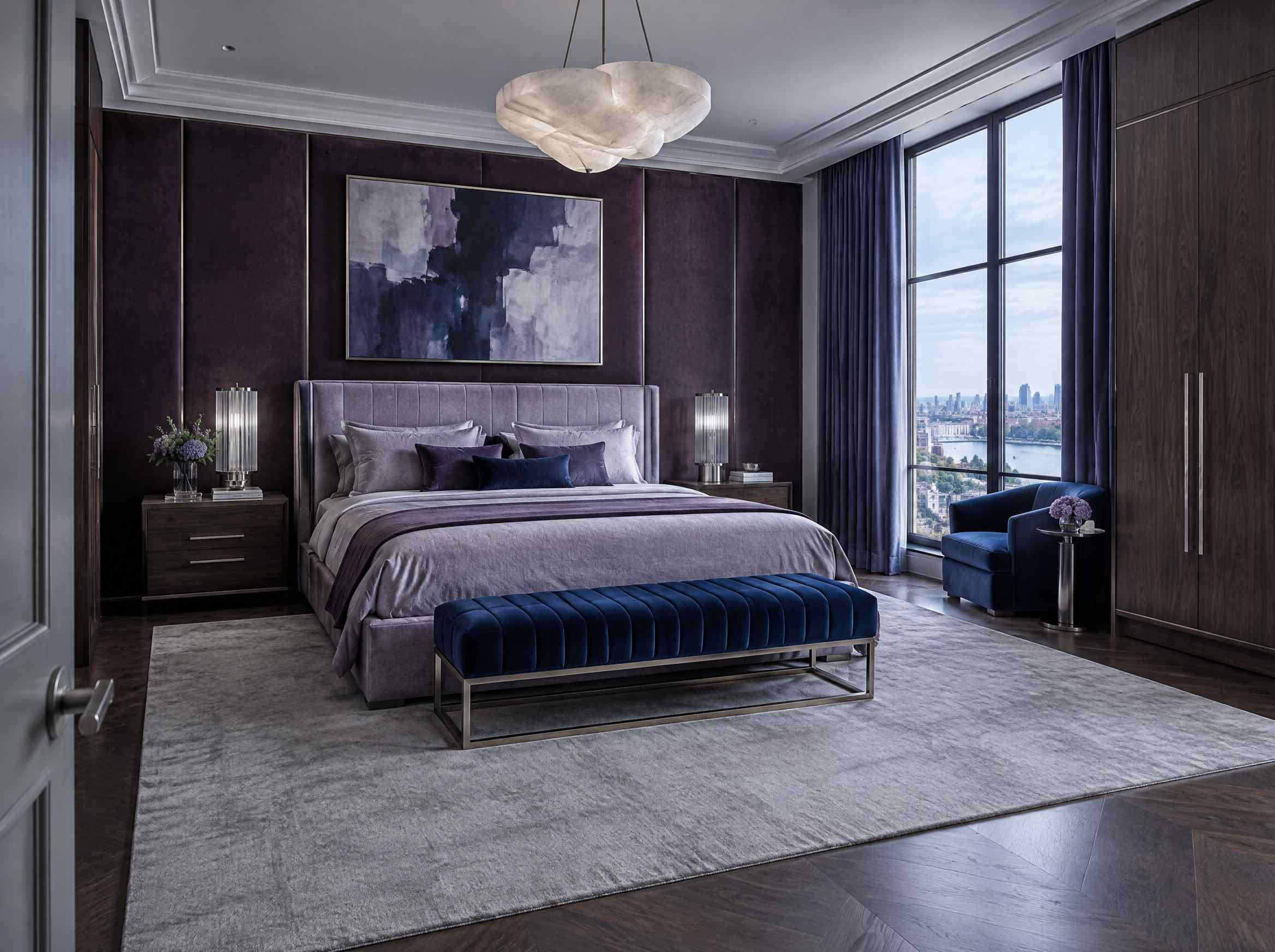
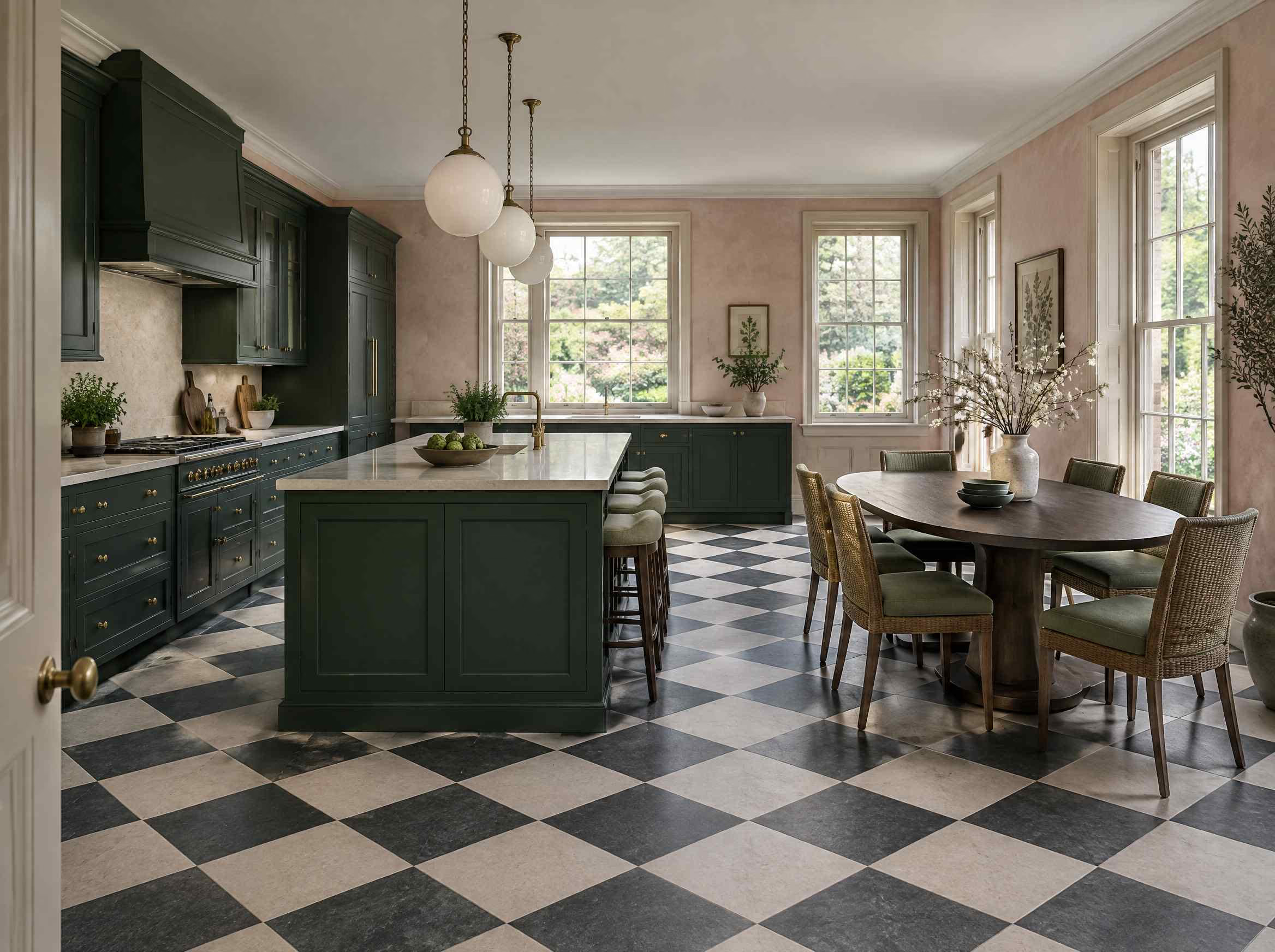
Send a photo, pick a direction, get the same room with new furniture, materials and light. The walls, windows and proportions stay where they are.
See how it worksReplace with image feature-redesign.jpg -
Furnish an empty room
Bare floor and walls in, a furnished room out, at a scale you could actually live with. Doors and walkways stay clear.
See how it worksReplace with image feature-empty-room.jpg -
Replace furniture
Change one piece and leave everything else exactly as it is. Useful when the room works and the sofa does not.
See how it worksReplace with image feature-replace-furniture.jpg -
Stage a home for sale
Furnish a listing so buyers read the photos as a home rather than a floor plan, without hiring a stager or moving anything in.
See how it worksReplace with image feature-staging.jpg -
Try new wall colours
New paint on the same room, with the same furniture, the same floor and the same light. See the colour before you buy the tin.
See how it worksReplace with image feature-paint-walls.jpg -
Redesign the exterior
Point it at the front of the house, the garden or the terrace and the outside changes the same way the inside does.
See how it worksReplace with image feature-exterior.jpg -
Copy a style from a photo
Drop in a picture you saved from anywhere and RoomGPT works that look onto your own space.
See how it worksReplace with image feature-copy-style.jpg
Start with the room you are in.
Try with 2 free designs